
Numbered rankings of AI coding tools are worthless by the time they are indexed. The models change monthly, the products ship weekly, and the benchmark everybody quotes was not measuring your work.
Short answer: sort by shape, not by score. There are four: the inline completion tool, the AI-native editor, the terminal agent, and the delegated agent. Each is genuinely best at one job and mediocre at the others, and the question that picks your shape is how much of your work you intend to watch. Nothing below quotes a price or a benchmark, because both go stale; every tool links to its own documentation so you can check the current state yourself.

The four shapes
Inline completion. Suggests as you type, inside the editor you already use. No loop, no tools, no autonomy. GitHub Copilot is the reference point and its documentation covers the surrounding chat and review features it has grown. Best for: keeping your hands on the keyboard on code you understand. Worst for: anything that spans files.
AI-native editor. An editor rebuilt around the model, where the agent has the project index, the open files and the diff view as first-class context. Cursor defined this category; Zed approaches it from the performance side and JetBrains Junie from inside an existing IDE. Best for: work where you want to see and steer every change. Worst for: long unattended runs, because the interface assumes you are watching.
Terminal agent. Lives in the shell, works on the repository, runs commands, and is designed to be handed a task rather than a line. Claude Code, OpenAI’s Codex CLI, Aider and Cline are all this shape with different opinions about permissions and context. Best for: multi-file changes, scripted and headless use, anything you would describe as a task rather than an edit. Worst for: nuanced UI work where you need to see the result.
Delegated agent. You describe an outcome, it goes away and comes back with a branch or a pull request. Cognition is the clearest example of the type, and the terminal agents increasingly offer this mode too. Best for: well-specified, verifiable, boring work. Worst for: anything where being subtly wrong is cheap to produce and expensive to detect.
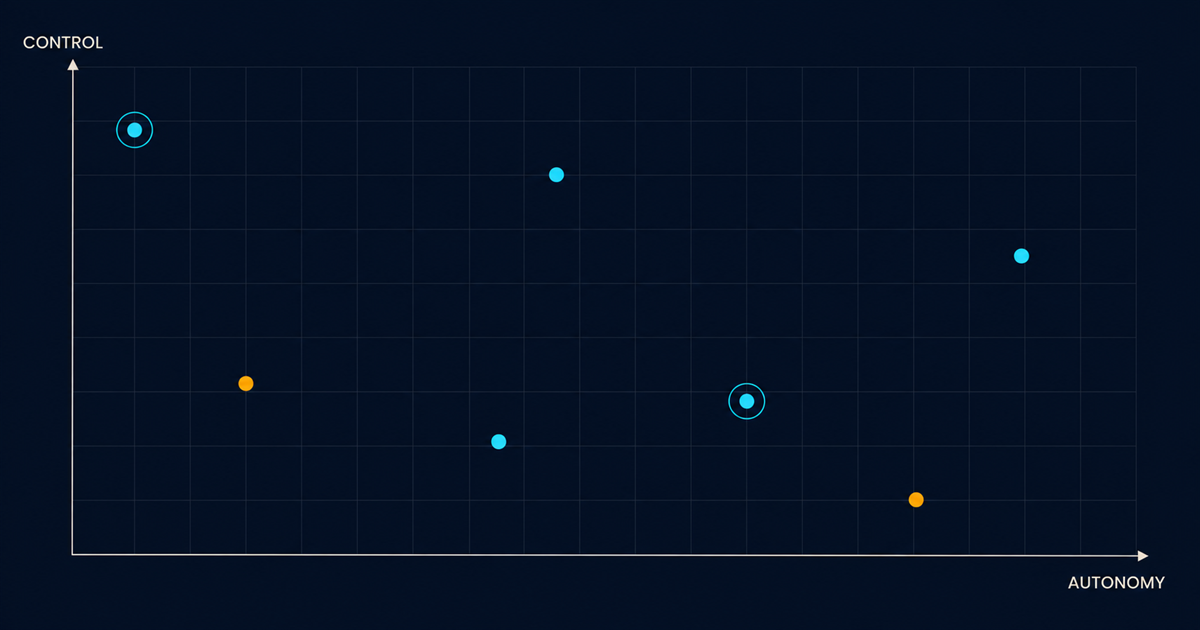
The question that picks your shape
How much of the work do you intend to watch?
All of it, line by line: inline completion, or an AI-native editor.
Most of it, at the change level rather than the line level: AI-native editor or terminal agent, with approval prompts on.
Little of it, checking the result: terminal agent with wider permissions, or a delegated agent.
That question is more predictive than any capability comparison, because the capability gap between the leading tools on a given week is smaller than the gap between a tool that fits how you work and one that does not. The split it turns on most often is covered in terminal agents vs IDE agents.
Why benchmarks will not settle this for you
SWE-bench and its relatives are real research artefacts and worth understanding. The original paper is clear about what the task is: resolve a GitHub issue in a Python repository such that the hidden tests pass.
That is a genuine measure of something. It is not a measure of your work unless your work is resolving well-specified issues in Python repositories with existing test suites. It says nothing about how a tool behaves on a codebase with no tests, on a task with an ambiguous spec, or when the correct answer is to ask a question rather than write code.
Benchmarks also get optimised against. Once a number is a marketing asset, the number improves faster than the underlying capability. Treat the scores as a floor on competence, not as a ranking.
What actually differentiates, once you have picked a shape
Four things, and none of them appear in a feature grid.
How the tool builds context. Does it index the repository, grep on demand, follow imports, read your instruction files? This is the single largest determinant of output quality and it is almost never marketed, because it is unglamorous. It is also why context and memory is the most useful thing to understand about any of these tools.
Where it stops to ask. Every agent has a permission model, explicit or not. Some ask before every write, some before shell commands, some run wide open in a container. Getting this wrong in either direction ruins the experience: too many prompts and you approve without reading, too few and you find out afterwards.
Whether it can be driven by something other than a person. Headless and scripted modes turn an agent from a tool into a component you can put in CI or a pipeline. Claude Code exposes this through its SDK and agent SDK; Aider and Codex are scriptable by being command-line tools in the first place.
What it lets you extend. Custom tools, MCP servers, hooks that fire on events, project-level configuration. This is what turns a generic agent into one that knows your deploy process. MCP is the standard piece; hooks and settings are per-tool.

Honest notes on the leading options
Without scores, and knowing this will age.
Claude Code is terminal-first with a deep permission and configuration model, and the most developed story around instruction files, subagents and hooks. The tradeoff is that it assumes you are comfortable in a shell and it will not show you a rendered UI.
Cursor is the strongest fit if the editor is where you live and you want to review every diff in place. The tradeoff is that its centre of gravity is a person watching, so unattended and scripted use is not what it optimises for.
Copilot is the lowest-friction thing to add to an existing team, because it meets people inside the editor they already have and requires no change in how anyone works. The tradeoff is that the agentic surface is newer than the completion surface.
Codex is a reasonable terminal agent and the open repository makes its behaviour inspectable, which matters more than it sounds when you are trying to work out why something happened.
Aider is the option to reach for if you want a small, scriptable, open tool that does one thing, and it remains one of the better ways to understand how these systems actually work.
The unsatisfying conclusion
For most teams, two or three of these are genuinely fine and the difference between them is smaller than the difference between using one well and using one badly.
Written conventions, a test suite that fails loudly, and a permission model you actually understand will improve your results more than switching tools will. That is boring advice and it survives every model release, which is more than any ranking manages.
If you want the underlying mechanics first, start with what an AI coding agent actually is. If cost is what is driving the decision, what agents cost and where the tokens go is more useful than any pricing page comparison, because the pricing model matters less than your usage pattern. And the head-to-head everybody actually asks about is in Claude Code vs Cursor.