MCP gets described as the USB-C of AI, which is catchy and tells you nothing about when to use it. It is a smaller idea than the marketing suggests and more useful than the scepticism suggests.
Short answer: the Model Context Protocol standardises how a tool describes itself to a model. An agent connecting to an MCP server gets a typed list of operations and their arguments, rather than a documentation page it has to read and guess from. That turns “work out how to call this API” into “call the operation that exists”. What it does not do is make the answer good. An MCP server over a badly designed system returns bad data very efficiently.
The actual problem it solves
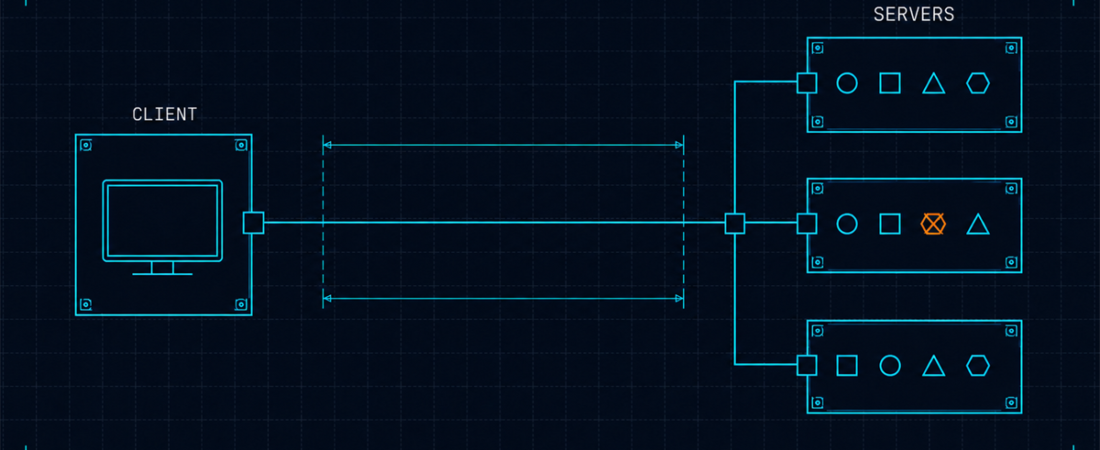
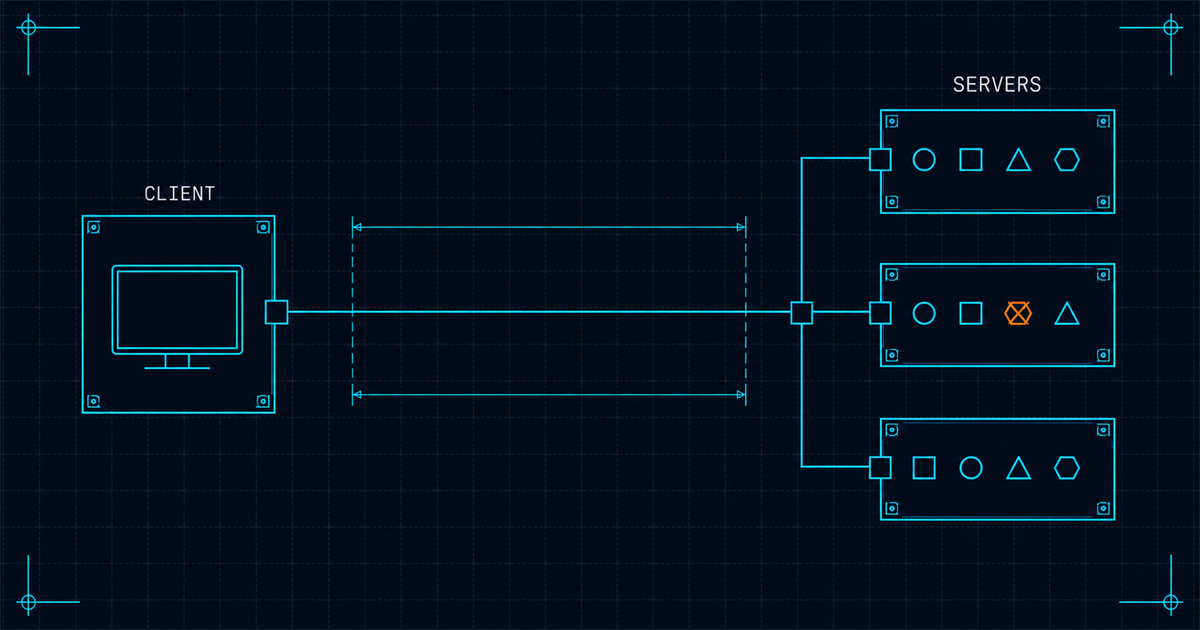
Before a standard existed, every integration between an agent and a system was bespoke. Each tool vendor invented its own plugin format, each format described capabilities differently, and a server written for one client did not work in another. Anyone integrating N systems into M clients wrote N times M adapters.
MCP collapses that to N plus M. A server describes itself once, in a defined shape; any compliant client can consume it. The specification covers the transport and the message shapes, and the background covers how it got adopted so quickly.
That is a genuine and boring infrastructural win, and boring infrastructural wins are usually the ones that last.
What a server actually exposes
Three kinds of thing, and the first is what people mean when they say MCP.
Tools. Operations the model can invoke. Each has a name, a description, an input schema and a result. This is the load-bearing part.
Resources. Data the client can read: files, records, documents. Fetched rather than called.
Prompts. Reusable templates a server can offer for common tasks against it. The least used of the three.
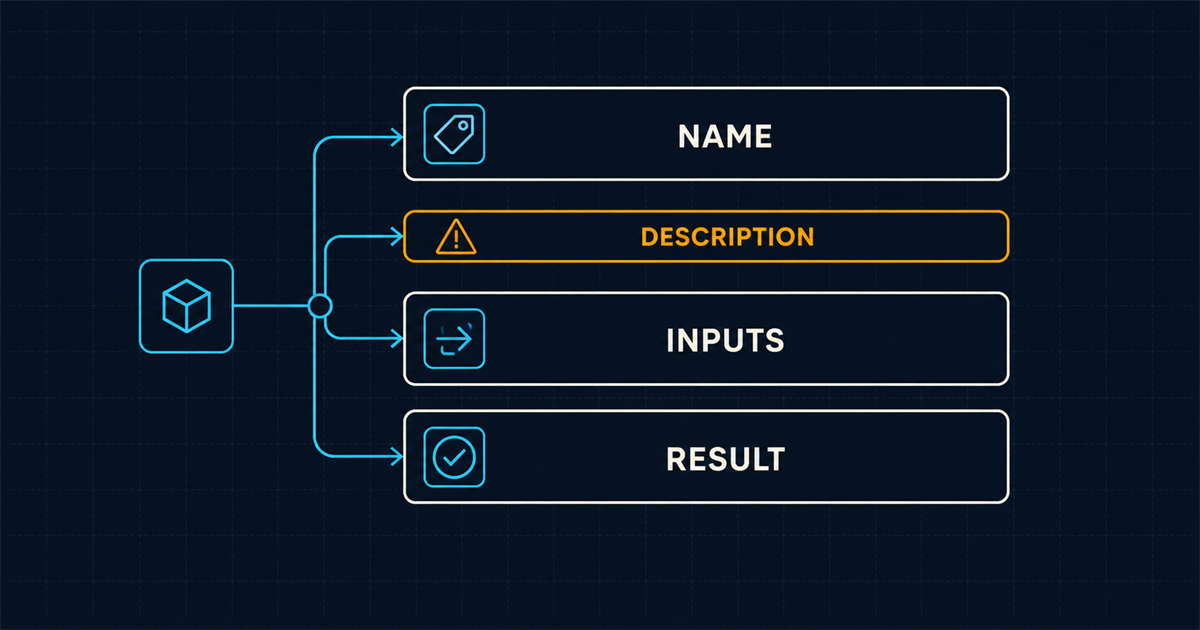
The tool description is where the quality lives, and it is the part everyone under-invests in. The model chooses which tool to call by reading descriptions. A vague one gets called at the wrong time or not at all. “Search assets” is a bad description. “Search stored assets by tag, format, upload date or approval state; returns identifiers and metadata, not file contents” is a good one, because it tells the model both what the tool does and what it will get back.
When MCP beats a plain API
Not always. It is worth being clear about this, because there is a lot of enthusiasm for wrapping things that do not need wrapping.
Use MCP when the caller is a model deciding what to do. The value is discovery and correct invocation without a human writing integration code. If a model has to choose between forty operations at runtime, typed self-description is exactly right.
Use a plain SDK when your code already knows what it wants. If your application calls uploadFile() in a function you wrote, an MCP layer adds a hop and a schema and buys nothing. The model is not choosing; you already chose.
Use MCP when the same capability serves several clients. One server, consumed by your terminal agent, your editor agent and your CI job.
The honest test: is something reading the tool list at runtime and deciding? If not, you want an API.
Setting one up, briefly
Clients differ in configuration but the shape is the same: point the client at a server, either a local process it launches or a remote endpoint, and the tools appear. Claude Code documents its side in the MCP configuration guide.
Two practical notes that save time.
Auth is the part that bites. Remote servers usually want OAuth; local ones usually want an environment variable. Neither is hard and both are where the first hour goes.
Every connected server costs context. Tool definitions are sent with every request. Connecting eight servers because they looked interesting puts a substantial block of schema in front of your code, permanently, on every turn. Connect what you use. The mechanics are in why your agent forgets.
What MCP does not solve
This is the section the enthusiasm skips.
It does not make your data good. A server over a system with empty or inconsistent fields returns empty and inconsistent fields, with excellent type safety. Media platforms are the clearest illustration: Cloudinary ships MCP servers across asset management, environment config, structured metadata, analysis and MediaFlows, and the reason an agent can act correctly through them is that the assets carry structured metadata for the server to expose. Point the same protocol at a bucket of unlabelled files and the agent learns that the files exist and nothing else. The protocol moves the answer; it does not create it.
It does not make the model choose well. Given twelve overlapping tools with similar descriptions, models pick badly. This is a real and underdiscussed failure mode: two servers both offering something called search will produce coin-flip behaviour. Curate the tool set.
It does not solve authorisation. An MCP server exposes what it exposes. If it can delete records, the agent can delete records. The protocol has nothing to say about whether it should, which is why permissions live in the client and in the server’s own scoping, covered in giving an agent access without giving it everything.
It does not replace documentation. Models still read docs. Making them machine-readable is a separate and complementary move: llms.txt as a convention, and a worked example of one in production. MCP is for acting; readable docs are for understanding.

Writing a server people will actually use
Four things, learned the annoying way.
- Describe the result, not just the action. The model needs to know what it will get back to decide whether calling is worthwhile.
- Keep the tool count low and the boundaries sharp. Six well-separated tools beat twenty overlapping ones, every time.
- Return errors the model can act on. “Invalid request” is useless. “Field
formatmust be one of jpg, png, webp” gets corrected on the next call. - Do not expose everything you have. The temptation is to mirror your entire API. Resist it: every tool is context cost and another chance to pick wrong.
The reasonable position
MCP is plumbing, and good plumbing is worth having. It removed a genuine integration tax and it did so with a specification simple enough that people actually implemented it.
It is not a capability upgrade. An agent with MCP access to a system it could already reach through a wrapper you wrote is not smarter, it is just less annoying to connect. The capability question is upstream: whether the system on the other end knows anything worth asking about. That is the same argument as what infrastructure your agent picks for you, and it is why the interesting work is on the data side rather than the protocol side.
If you are still working out where tools fit in the overall picture, what an AI coding agent actually is covers the loop that tool calls sit inside, and instruction files covers telling the agent when to reach for which one.